License Key Setup

Activating Your MeshOS Device

Your T-Deck or T-Pager arrives in trial mode — basic chat works, but advanced features are locked behind the red padlocks. To activate everything, you'll need a MeshOS license.

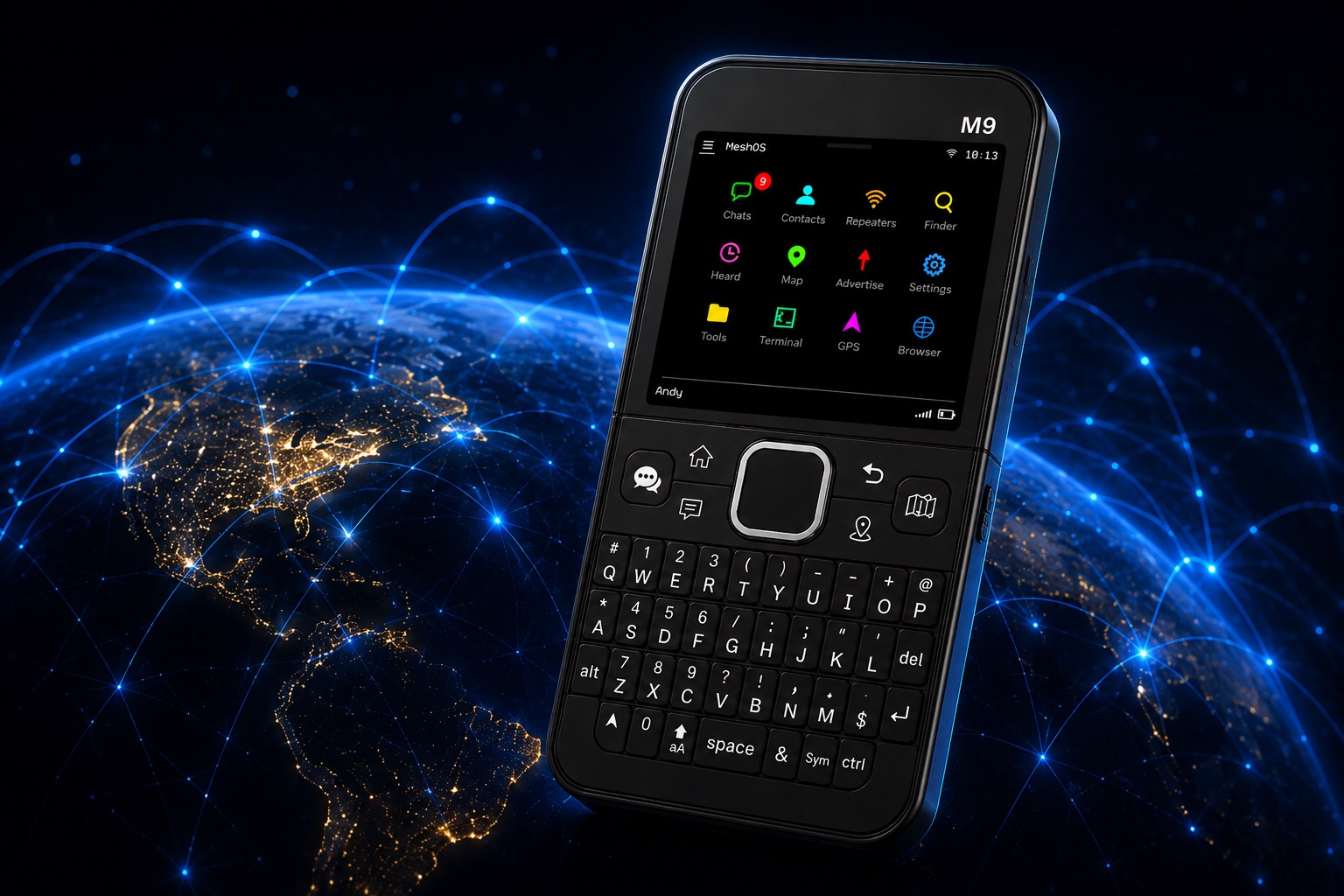
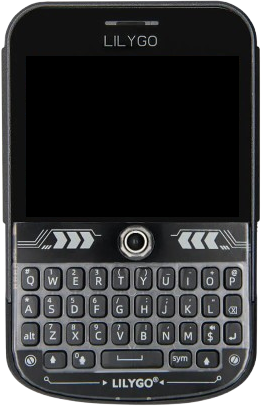
LilyGo T-Deck
LilyGo

T-Deck / T-Deck Plus

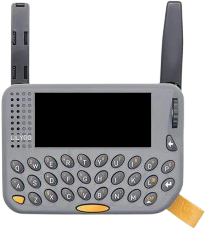
LilyGo T-Pager
LilyGo

T-Pager

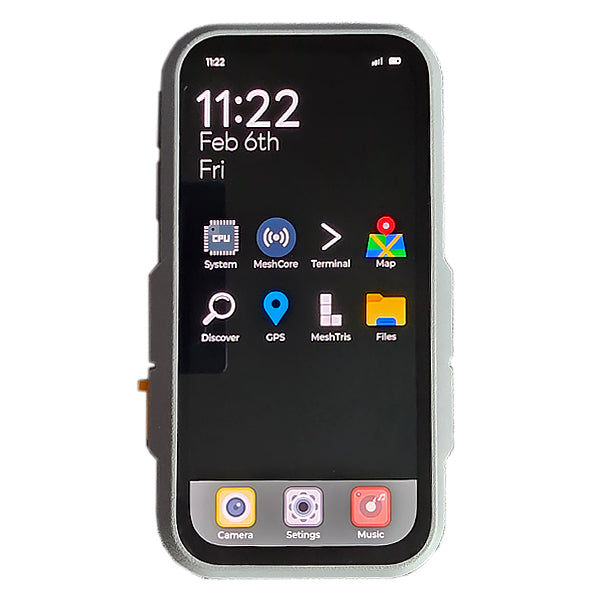
LilyGo T-Display P4
LilyGo

T-Display P4

01
Step One

Find Your Device's Serial Number

The serial is a 12-character hex string based on your device's MAC (e.g. 80B54ED55720). On both T-Deck and T-Pager you'll find it on:

  • The on-device activate screen — tap any padlocked menu item
  • Settings Menu > Activate
  • The MeshOS app once connected over Bluetooth
02
Step Two

Buy a License

Pick the license that matches your device:

After payment you'll receive an email containing your license key — an 88-character string that looks something like:

6VzmpmNz6R8ssdVAc7mQ2ondbmyumdE5KWlSMziNqMTc1ffAju9f2XpudnRi94RB
4cwbtsOwzS+S63TXH2naBw==

The key is tied to your specific device. Each T-Deck and T-Pager gets its own unique key.

03
Step Three

Enter the Key

Pick whichever method works best for you — they all do the same thing.

Recommended
A

MeshOS Activator

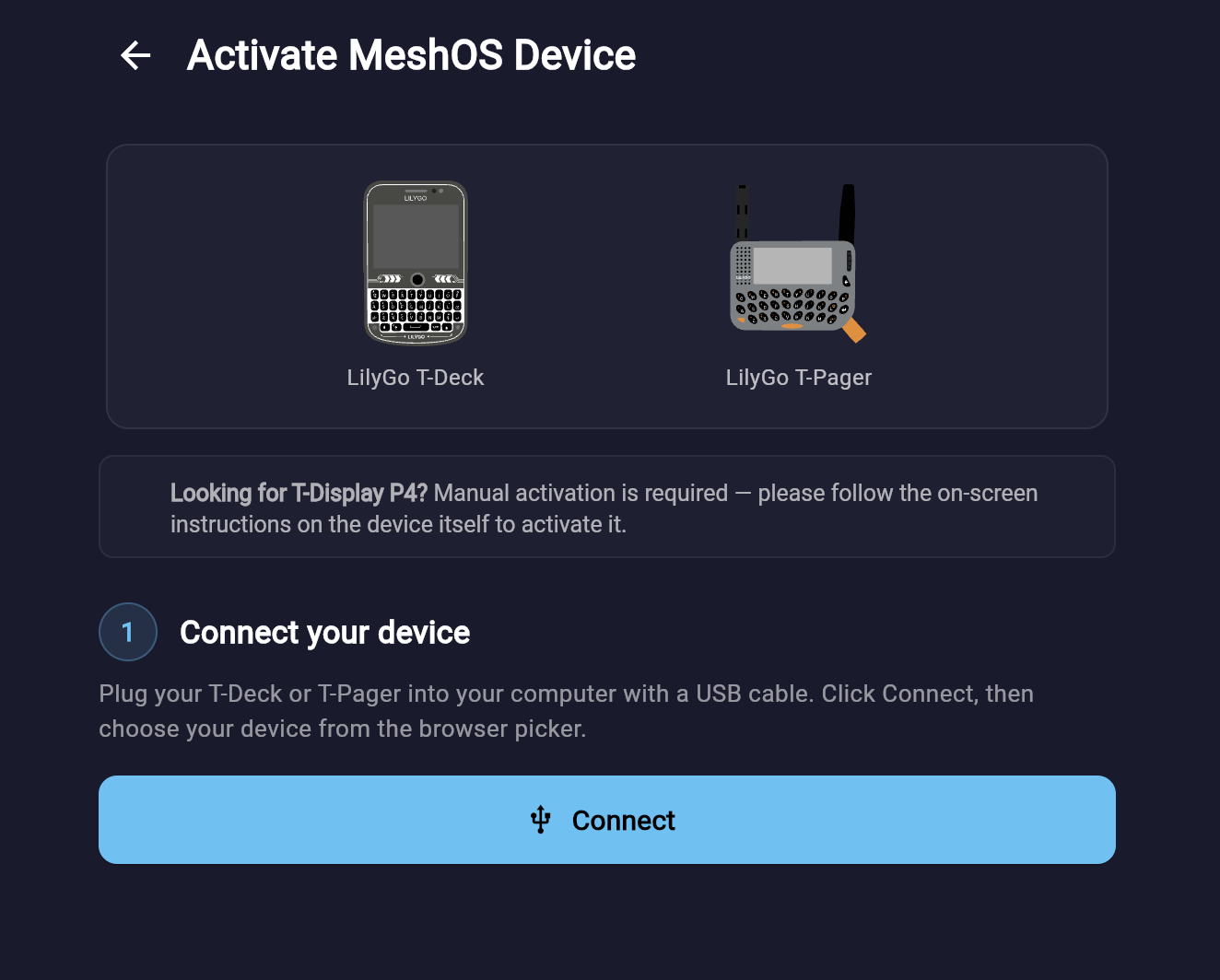
The fastest way — straight from your browser. No app install, no typing.

MeshOS Activator — Activate MeshOS Device screen
  1. Plug your T-Deck or T-Pager into your computer with a USB cable
  2. Open the MeshOS Activator in Chrome or Edge
  3. Click Connect and choose your device from the browser picker
  4. Paste your 88-character key and submit
Open MeshOS Activator
B

MeshOS App

The smoothest flow — works the same on T-Deck and T-Pager.

  1. Install the MeshOS app — available on Android and iOS
  2. Open the app and connect to your device over Bluetooth (default pin is: 123456)
  3. Go to Settings → T-Deck → Activate T-Deck (or T-Pager respectively):
    Activate T-Deck menu item in the MeshOS app
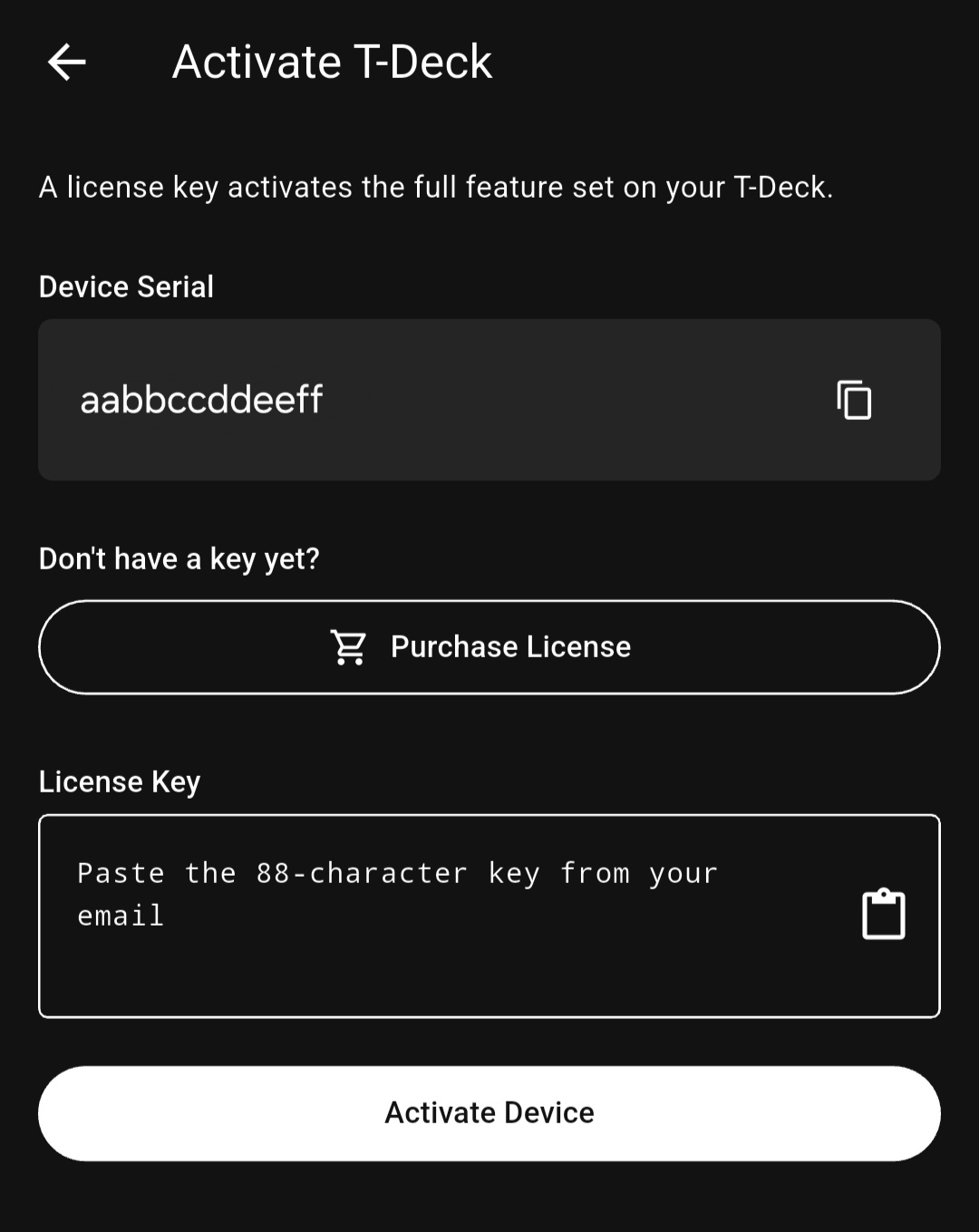
  4. Paste the 88-character key from your email and tap Activate Device:
    Activate T-Deck screen in the MeshOS app showing device serial, Purchase License button, License Key paste box, and Activate Device button

Done. Your app license is granted automatically as part of this — no separate £2.99 app charge.

C

On-Device Entry

If you don't want to use the app.

  1. On your device, tap any padlocked menu item (or Settings → Activate Device)
  2. Tap ENTER KEY
  3. Use the on-screen keypad and the physical keyboard to type the key. The trackball moves the cursor for fixing typos.
  4. Tap SUBMIT

Watch out for similar-looking characters when typing manually: 0 (zero) vs O (capital o), 1 (one) vs l (lowercase L) vs I (capital i). Most "invalid key" errors are a single typo.

D

SD Card

For long keys this is fastest — and avoids any typing errors.

  1. Save your key as a plain-text file called key.txt at the root of a microSD card (whitespace inside the file is ignored)
  2. Insert the card into your T-Deck or T-Pager
  3. Open the activate screen → tap ENTER KEY → tap SD
  4. The key loads into the entry box; tap SUBMIT to activate
E

USB Serial

For developers and power users. Plug your device into a computer, open a serial terminal at 115200 baud, and run:

/license set <paste-your-88-char-key-here>

Or, if you have key.txt on the SD card:

/license sd

Show your current state any time:

/license show
04
Step Four

Verify It Worked

After activation:

  • Red padlocks across the menus disappear
  • Settings → Activate Device panel disappears in the app

You can also re-open the activate screen any time — when activated, it shows "Active key:" followed by the key currently stored on the device.

05
Step Five

Support

If your key won't activate, double-check:

  • The serial number on screen matches the one your key was issued for
  • No characters were transcribed wrong (paste rather than retype where you can)
  • You're entering the long signed key (88 chars), not an old short key

Stuck? Email [email protected] with your order number and the serial shown on the device.

Existing Customers

Legacy Short Keys

If you bought a license before the new system rolled out, your old 8-character key still works — your device remains activated, no action needed for day-to-day use.

However, if you ever erase the firmware, do a fresh install, or move to a brand-new firmware build, you'll need a new 88-character signed key to re-activate. The old short key won't work on the new system.

If that happens, just reach out to our support team with your original order number and your device's serial — we'll issue your new signed key free of charge.

Ready to Activate?

Grab a license, paste the key, and activate every feature on your T-Deck or T-Pager.